Quick Start
The web UI helps you to view and manage the AiiDA Workflows.
Start the web server
Open a terminal, and run:
aiida-gui start
Then visit the page http://127.0.0.1:8000/, you can view all the homepage.
Stop the web server
Open a terminal, and run:
aiida-gui stop
Process table
The table shows all the processes. You can view the details of a process by clicking it. You can also delete a process by clicking the delete button.

Process detail
The detail page shows the details of a process. You can view the details of each job in the process. You can also view the logs of each job by clicking the log button.

Process logs
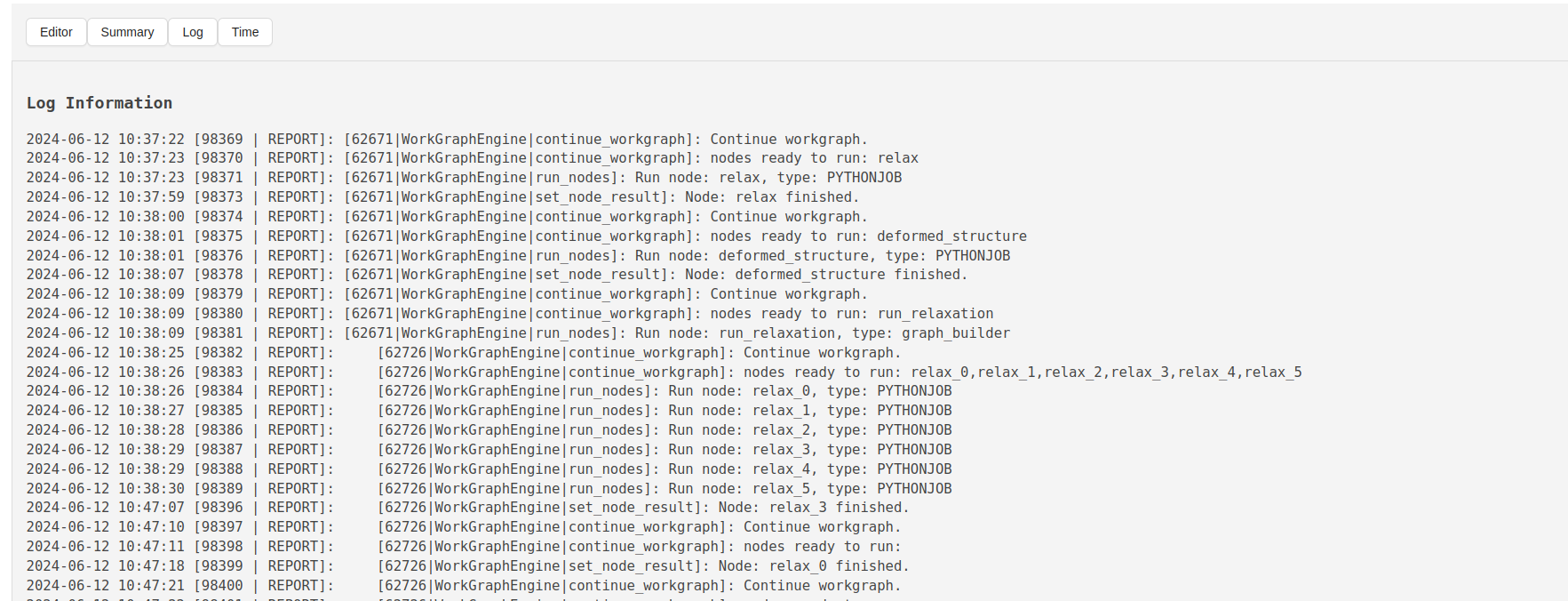
The logs page shows the logs of a job. You can view the logs of a job here.
Timeline
The timeline page shows the timeline of the execution of the process. You can view the timeline of the process here.

Text Summary
The text summary page shows the text summary of the process. You can view the text summary of the process here.

DataNode detail
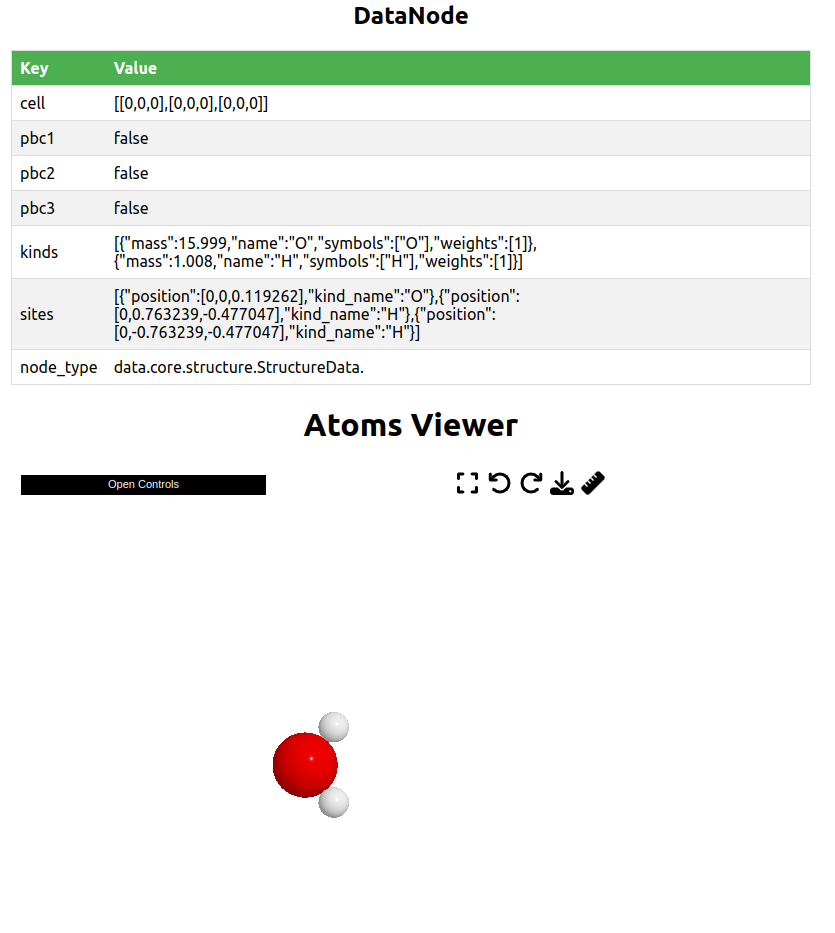
The DataNode detail page shows the details of a DataNode. For a structure, it will show the 3D structure.